Joomla Two-Factor Authentication
2FA / MFA Plugin

Joomla Two-Factor Authentication (TFA)/Multi Factor Authentication (MFA) plugin enhances the safety of your Joomla website authentication and keeps your customers and partners' data safe. With this plugin, Joomla sites are protected against hacks and unauthorized login attempts. It is highly secure and easy to set up. Over 15+ two-factor authentication methods are available for logging into Joomla with the miniOrange Joomla 2FA plugin including Google Authenticator, OTP over SMS, OTP over email, Push Notifications, Security Questions, and OTP over Telegram / WhatsApp

Contact us at joomlasupport@xecurify.com and we'll help you set up 2FA with your Joomla site in no time
Two-Factor Authentication Plugin for Joomla

What is Joomla Two-Factor Authentication?

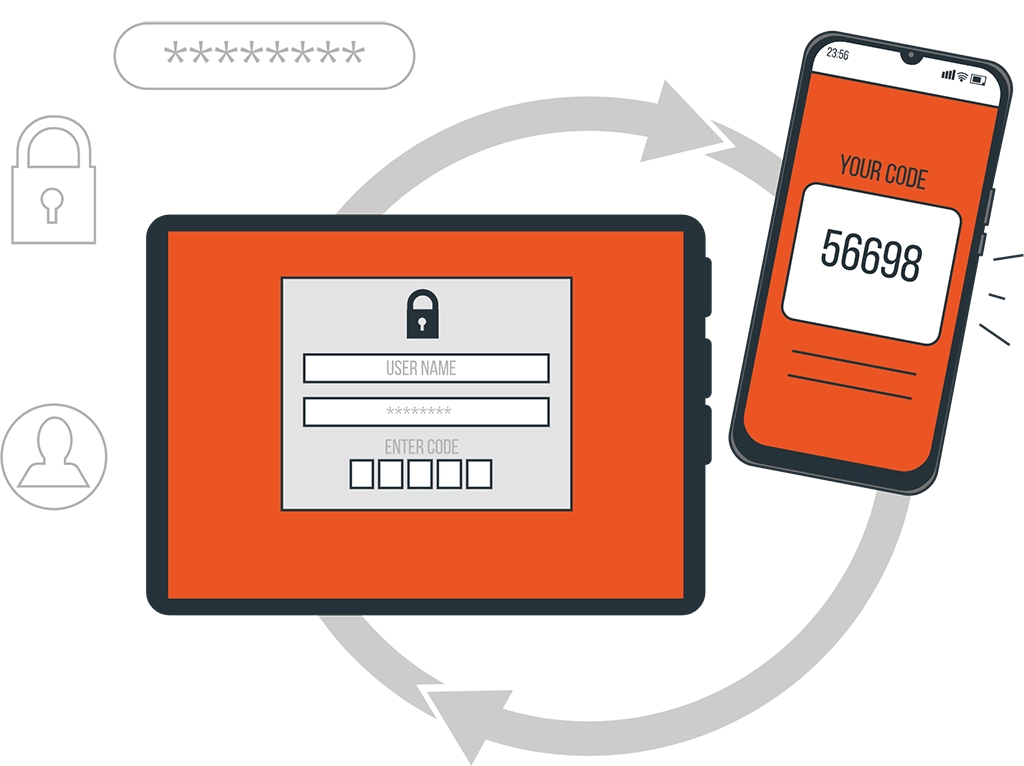
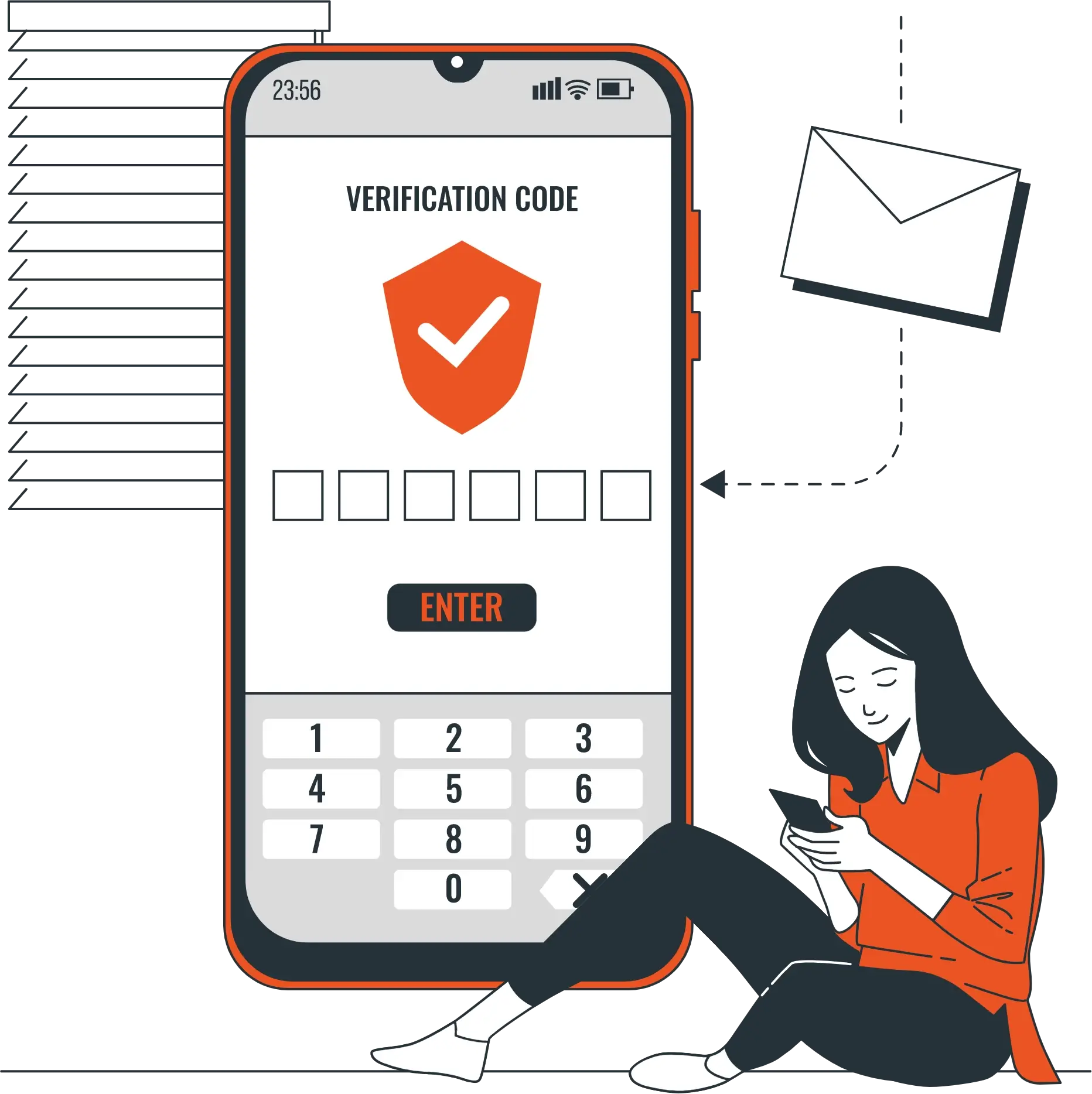
Joomla Two-factor authentication (2FA/MFA) is a security feature that requires users to provide two different types of information to prove their identity when logging into a Joomla website. The first factor is typically a password, and the second factor authentication can be something the user has, like a mobile phone. TFA adds an extra layer of security (protection) to user accounts and helps to prevent unauthorized access, even if a password has been compromised.

If you're interested in learning about other 2FA methods, we have additional videos available - just click here to view our complete library of 2FA videos.

Why miniOrange Joomla Two-Factor Authentication is needed?

Joomla's default 2FA provides a basic level of security, but lacks some advanced features. A more comprehensive solution is offered by the miniOrange Joomla 2FA plugin, which provides custom branding, multiple authentication methods, as well as add-ons such as session management and Login using Email. In addition to providing users with flexibility in securing their accounts, it enables administrators to implement role-based two-factor authentication. Businesses and organizations that require advanced security measures should opt for the miniOrange Joomla 2FA plugin rather than Joomla's default 2FA.

Why Two-Factor Authentication is needed?

Key Features

Role based 2FA

You can enable Two-Factor Authentication TFA / MFA for specific roles. 2FA will invoke according to the configurations you save.

Domain Based 2FA

You can enable the Second-Factor Authentication - TFA / MFA for specific domains. TFA will be invoked if the user belongs to the configured domain.

Passwordless Login

Logging in without a password is possible with the passwordless login feature, which requires users to enter only their username and one-time password (OTP).

Remember my Device

By enabling this feature, users can skip the two-factor authentication TFA / MFA step on their frequently used devices.

Supported TOTP Authenticators

This feature provides Second-Factor Authentication - 2FA / MFA during login using a variety of methods, including text messages, hardware tokens, and many other options.

Supported Authenticators

Supported TFA/MFA Methods

Pricing for Everyone

Free

For 1 User Only

All Authentication Methods

Supports all the languages

Backup security questions (KBA)

Add your own security questions

Login with email address

Login with phone number

Passwordless login

Enable Role based 2FA

Enforce 2FA registration for users

Select 2FA methods to be configure by end users

2FA over Password Reset

Customize number of KBA to be asked while login

Override login form username title and description

Custom Email Templates

Custom SMS Templates

Custom OTP length and validity

Remember My Device

IP specific 2FA (Whitelisting IP Address)

Change app name in Google authenticator app

Backdoor URL (incase you get locked out)

Mandate unique 2FA method for each role

End to End 2FA Integration configuration


Premium

For 1+ Users

All Authentication Methods

Supports all the languages

Backup security questions (KBA)

Add your own security questions

Login with email address

Login with phone number

Passwordless login

Enable Role based 2FA

Enforce 2FA registration for users

Select 2FA methods to be configure by end users

2FA over Password Reset

Customize number of KBA to be asked while login

Override login form username title and description

Custom Email Templates

Custom SMS Templates

Custom OTP length and validity

Remember My Device

IP specific 2FA (Whitelisting IP Address)

Change app name in Google authenticator app

Backdoor URL (incase you get locked out)

Mandate unique 2FA method for each role

End to End 2FA Integration configuration


Why Choose miniOrange?

24/7 Customer Support

We are 24/7 available for your query resolutions, on email and phone support. Just one click away.

Strong Domain Expertise

miniOrange is a domain expert in IAM products such as SSO, 2FA, MFA, and custom enterprise solutions.

Custom Development

We offer custom plugins (extensions) that are developed and tailored to your needs.

Extensive Setup Guides

Easy and precise step-by-step instructions by videos to help you configure within minutes.